
Outcome
A smooth entrance
One scan tells your team the guest is on the list and how many people are with them.
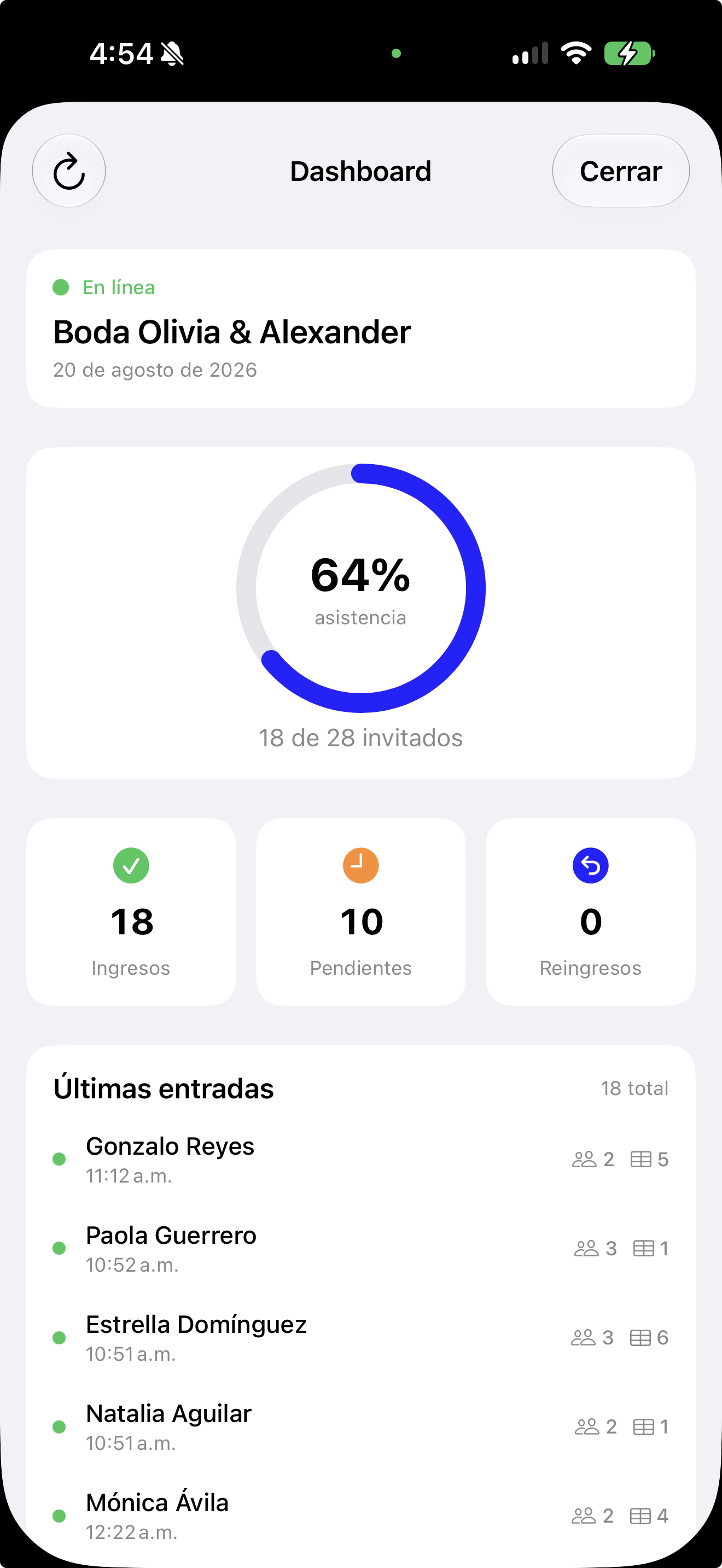
Every guest arrives with their QR code on their phone. Your team scans it at the door, and you see in real time who has arrived and who is still missing.
Works at several entrances at once, even when the internet drops.
Forget printed lists and scrolling for names. Your confirmed guest list becomes your door list.
One scan tells your team the guest is on the list and how many people are with them.
Put a phone at each entrance. They all check in against the same list, and you see the total in one place.
See how many people have arrived and who is still on the way. When it’s over, download the attendance list.
Your confirmed guest list is ready for the welcome team.
They download the Confirmalia Check-in app and enter a six-digit code. No accounts or passwords.
Every guest has their code in their personal link, and iPhone users can save it to Apple Wallet.
Each scan records the arrival instantly. If someone forgot their QR, look them up by name.
What actually happens at a real entrance is already covered.
The app keeps the list on the phone and keeps checking guests in. Everything syncs when the signal returns.
Someone forgot their QR? Find them by name and check them in within seconds.
If a guest steps out and returns, it’s recorded without losing the time of their first arrival.
Your team sees how many people come with each guest and which table they’re at.
No. Their QR code is in their personal link. Only your welcome team uses the Confirmalia Check-in app.
Yes. Connect a phone at each entrance; they all work from the same list and you see the total in your dashboard.
The app keeps working offline and uploads arrivals as soon as it reconnects.
Your team looks them up by name in the app and checks them in anyway.
RSVPs and check-in in one place, with no printed lists or manual headcounts.