
Outcome
Uploading is effortless
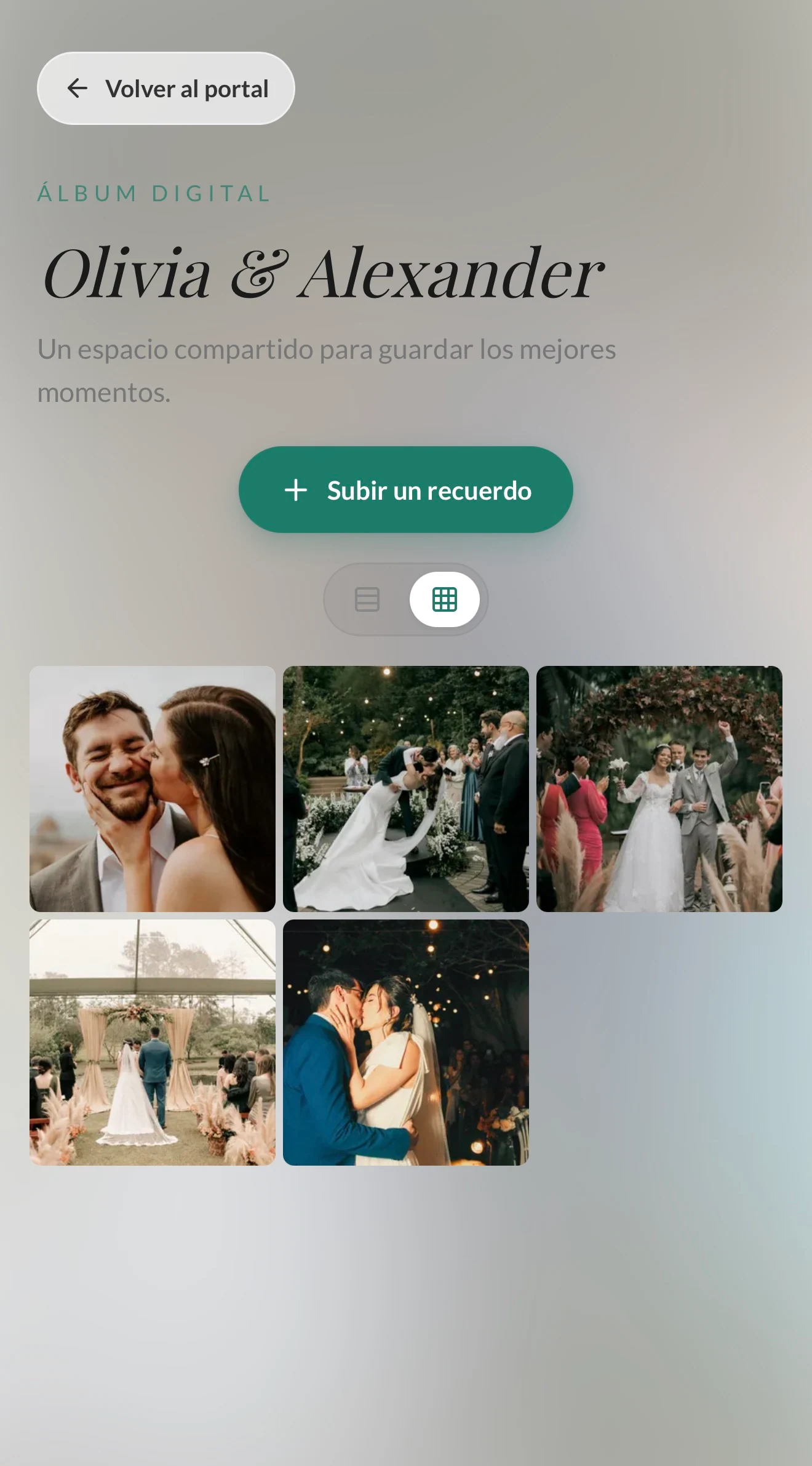
Guests open their link, tap Upload a memory, and choose the photo. No sign-up.
Guests upload their photos from their link, with nothing to download. You see them all in one place and keep every one of them at the end.
No apps or accounts, private, with every photo in one download.
The photographer captures the main story. The collaborative album also brings together the tables, the hugs, and the spontaneous moments happening all around.
Guests open their link, tap Upload a memory, and choose the photo. No sign-up.
Review the album whenever you like and hide or delete any photo with one tap.
When it’s over, download every photo in a single file, in order and with the name of who uploaded it.
The album appears in the link your guests already have.
Switch it on from your dashboard and choose the day it opens.
They find it in their personal link. Every photo arrives with the uploader’s name.
Request the download from your dashboard and receive a file with every photo by email.
Simple for your guests, stress-free for you.
Only your guests get in, from their link. The album has no public page.
Every photo shows who uploaded it, so you know who to thank.
Decide the day it opens and hide it at any time.
Works on iPhone and Android, right in the browser.
No. They open their personal link and upload photos right from the browser.
Only your guests, from their link. The album has no public address.
Yes. From your dashboard you can hide or delete any photo at any time.
Request the download from your dashboard, and we’ll email you a link with every photo in a single file.
Give guests a simple way to share their photos, and download them all when the event ends.